Vesc Config UpdaterUpdated 8 hours ago
Follow this process to update the VESC speed controller in your Boogie to the default production configuration.
- Download the following 4 files to your computer
- Install Boogie_Vesc_Config_Firmware.bin file as if you were installing a normal Boogie firmware.
- DO NOT install this firmware on the remote.
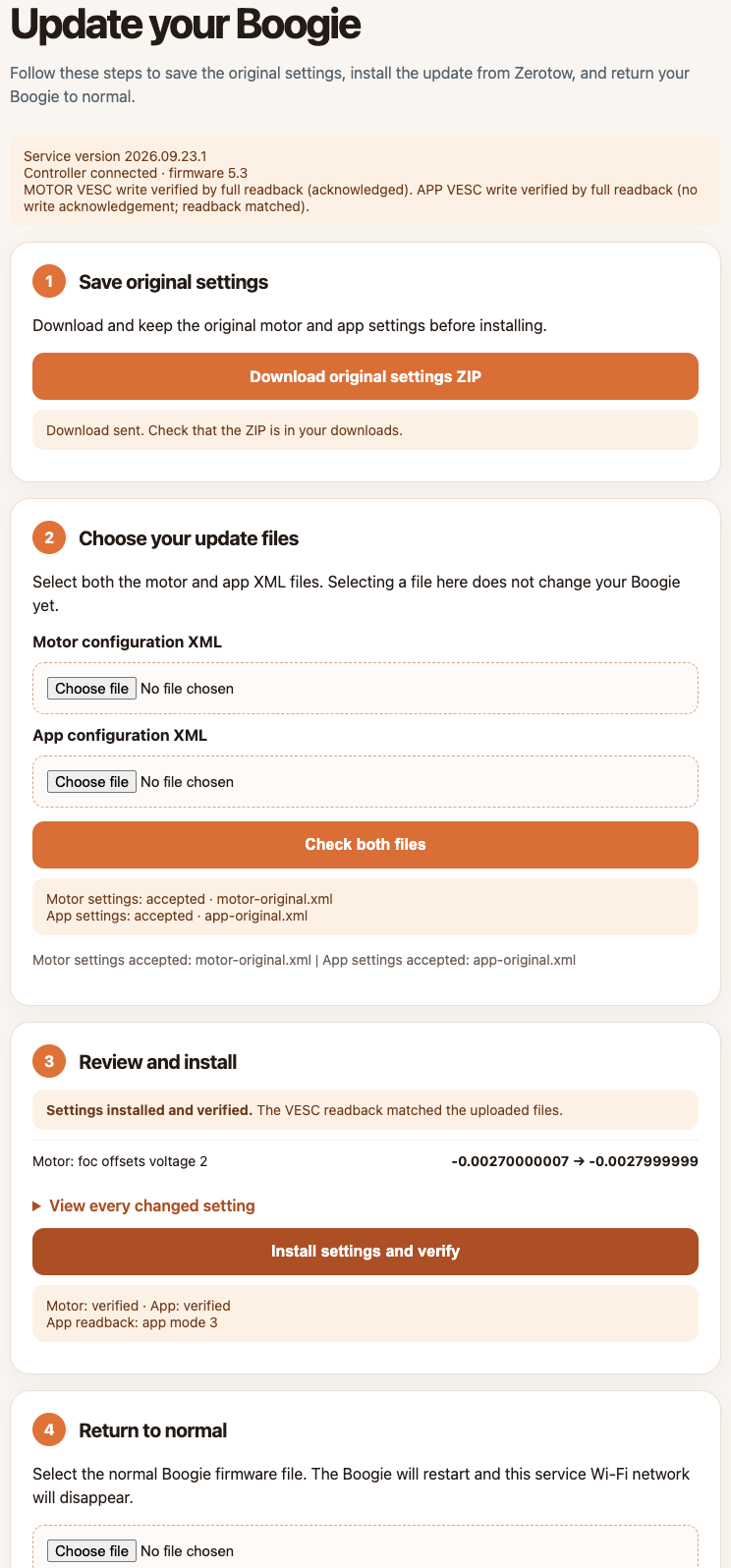
- The Boogie will make a wifi connection called "zerotow-vesc-config" The remote will not connect to the Boogie.
- Connect to zerotow-vesc-config and go to 192.168.4.1
- Follow steps 1-3 on the screen.
- Email the downloaded zip file to [email protected]
- Return to the normal Boogie firmware buy installing Boogie_2.0.3.185_MIGRATE.bin then doing a wifi firmware update.